
Refunds and returns
Refund a buyer on a Bookface order, record a refund on a marketplace order, and mark a copy returned. A refund moves money; a return moves the book.
A refund and a return are two separate actions. Refunding sends money back to the buyer and never changes your stock. Returning records that the book came back and adjusts your stock. You can do either one without the other: refund a cheap or damaged book and let the buyer keep it, or take a book back without refunding.
Both happen on the order's page. Open Orders and click View/Edit on the order.
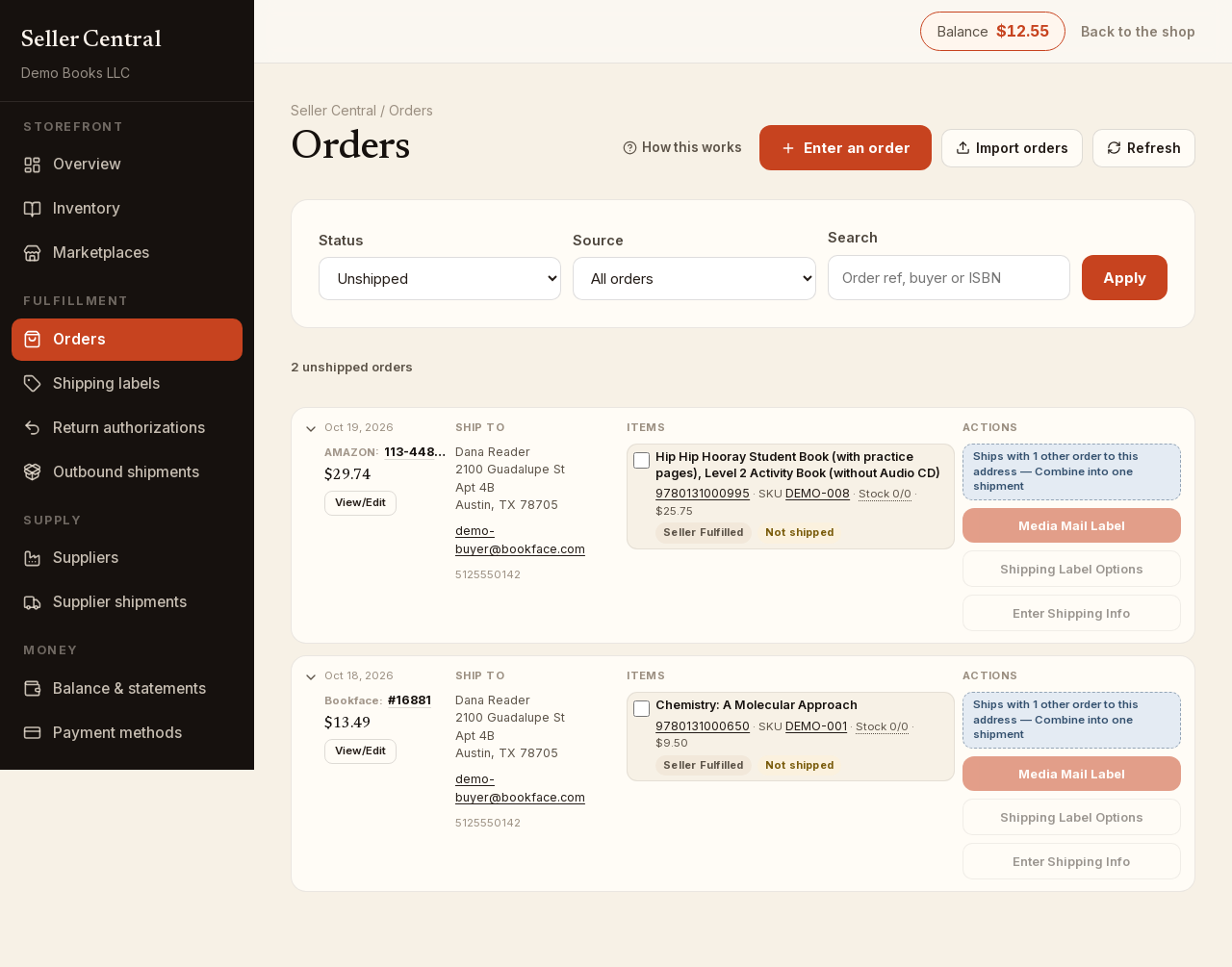
Refund a Bookface order
On an order placed on Bookface, each copy has a Refund link while there is still money to refund.
- Click Refund on the copy.
- Enter the Amount. It starts at the most that copy can still be refunded; lower it for a partial refund.
- Choose a Reason: Buyer canceled, Item out of stock, Item returned, Item not delivered, Not as described, Item damaged, Returned unclaimed or Other. Add a Note if you like.
- Click Process refund, then Yes, refund.
The money goes back to the buyer immediately and our commission on the refunded amount is returned to you. The Refunds card at the bottom of the page shows how much is still refundable, what has been refunded so far, the commission returned, and every refund with its date, amount and reason.
Refunding never puts a copy back into stock. If the book is coming back, record the return as well.
Refunds on orders from other marketplaces
We never took the buyer's payment on an order you entered from Amazon, eBay or elsewhere, so refund the buyer on that marketplace. Then record it here:
- Click Edit on the copy.
- Turn on the Refunded switch and click Save.
This is record-keeping only. You can turn Refunded off again if you set it by mistake. To mark every copy at once, click Refund all items at the top of the Items card and confirm.
Record a returned copy
For a copy you shipped yourself, the copy editor also has a Returned switch.
- Click Edit on the copy and turn on Returned.
- Click Save and confirm. Marking a copy returned adds 1 to your stock for that listing; turning it off again removes 1.
Dropshipped copies never restock, because no copy ever came from your stock. Copies we shipped from the warehouse are received by Bookface through a return authorization instead. On a marketplace order, Return all items marks every copy you shipped returned in one go.
When the buyer needs a label
To send the buyer a prepaid return label and choose where the book goes, create a return authorization. It moves books only; refund the buyer separately as above.
Refund a shipping label
A label you bought and will not use shows Refund label on the copy while it is unused. Refunding releases the copy so you can buy a corrected label; see Print shipping labels.