
Connect your eBay account
Approve Bookface on eBay, choose your business policies, and let Bookface list, pull orders and post tracking for you.
Open Marketplaces in the Seller Central menu, or go to /seller/marketplaces. There is no password to type for eBay: you approve Bookface on eBay's own site.
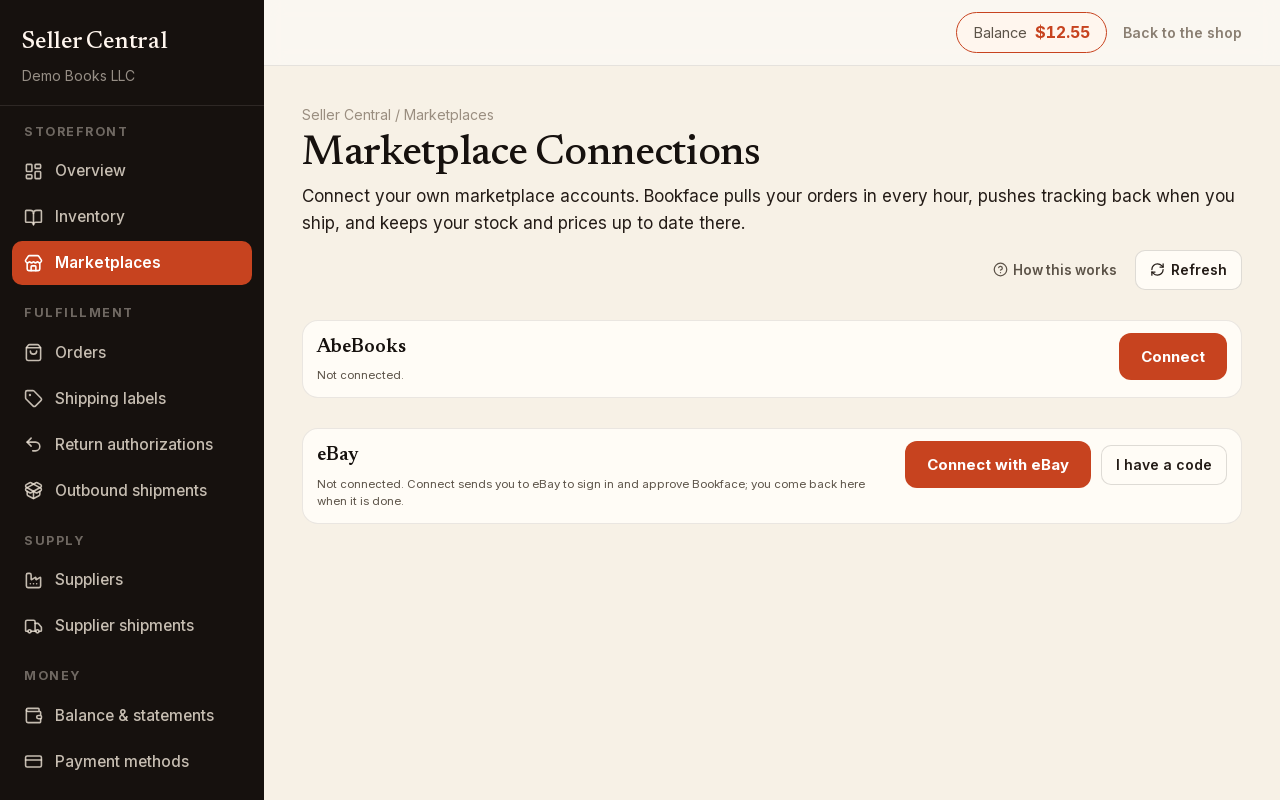
Connect
- On the eBay row, click Connect with eBay. eBay opens in a new tab.
- Sign in to your eBay account there and approve Bookface. The Marketplaces page stays open behind it.
- Come back to the Marketplaces page and click Refresh. The row reads Connected, with the date your authorization is valid until.
If the page eBay sent you to does not say eBay connected, click I have a code, copy the code value from that page's address bar, paste it into Authorization code or refresh token and click Connect with this code. Codes expire within a few minutes, so do this straight away.
Choose your business policies
eBay requires a shipping, a payment and a return policy on every listing. Until you choose them, Bookface pulls your eBay orders but lists nothing there, and the row says so.
- Click Choose business policies.
- Pick a Shipping policy, a Payment policy and a Return policy from your eBay account. If you have exactly one of each, they are preselected.
- Click Save listing settings. The page confirms that your inventory will be pushed to eBay on the next hourly sync.
If a list is empty — none on your eBay account yet — create the policies on eBay first: Seller Hub → Account → Business policies → Create policy, one of each kind. Then come back and click Reload policies. Every listing Bookface creates goes in eBay's Books category.
To change the policies later, click Listing settings.
What the connection does
Bookface is the source of truth. Every hour it creates, updates and ends your eBay listings from your Bookface inventory, pulls paid eBay orders into Orders, and posts the tracking number back to eBay when an item is marked shipped. Nothing you change on eBay flows back into your Bookface listings. Listings you created on eBay yourself are not managed, though orders for them are still pulled when the SKU matches.
Each ISBN's eBay price is set on the listing, in the eBay box under Marketplace Listings (or in the quick editor), with sell here ticked for that ISBN. See SKUs explained for the key each listing carries.
Reconnect and disconnect
If the row reads Connection error — reconnect below, click Reconnect and approve Bookface on eBay again. Disconnect (confirm with Yes, disconnect) stops the hourly sync and deletes the stored authorization.