
Become a seller
Open a free seller account from any country with a display name, a business address and a card for identity verification.
Before you start
You need a Bookface account first — see create an account. Opening a seller account is free, and there are no listing, closing or monthly fees. We charge a commission only when a book sells through Bookface; the current rate, along with every other seller charge, is on the seller terms page.
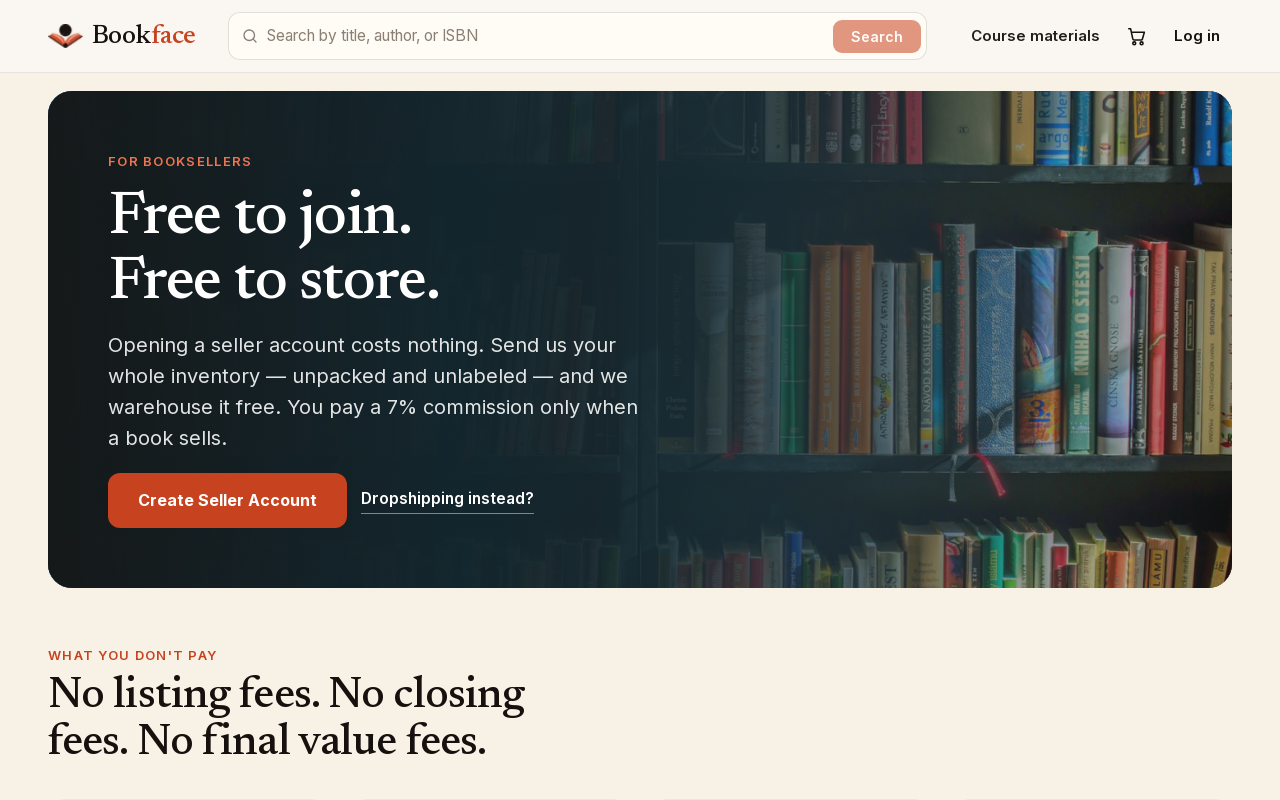
The Sell with us page describes what you get: a free account, free warehousing if you send us your inventory, and labels at carrier cost.
Open your seller account
- On Sell with us, click Create Seller Account. You can also go straight to Open your seller account. Sign in if asked.
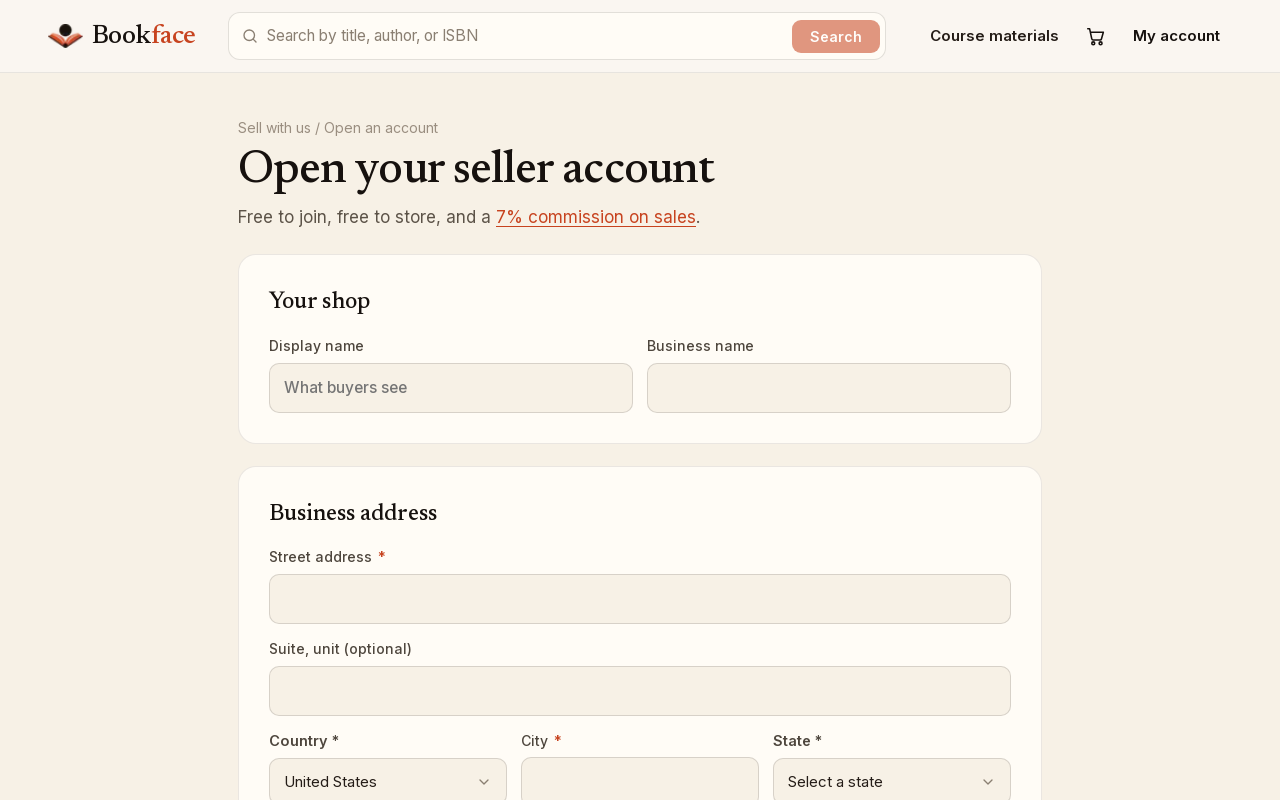
- Under Your shop, enter a Display name (what buyers see) and your Business name.
- Under Business address, enter your Street address, an optional Suite, unit, your Country, City and Phone.
- For a US address, choose a State and enter a ZIP code.
- For any other country, the form offers State, province or region (optional) and a Postal code instead.
- Under Identity verification, click Add a card and enter a card. We use it only to confirm you are who you say you are; it is never charged. If you already have a card saved on your account, pick it instead.
- Under Bank account (optional), click Add a bank account and enter the Routing number, Account number and, if different from your business name, the Name on the account. The numbers go straight to our payment processor and verification finishes with two small deposits. Click Skip for now if you would rather add it later from your dashboard.
- Click Open my seller account. By opening an account you agree to the seller terms.
Seller Central opens on your dashboard as soon as the account exists.
Sellers outside the US
You can open a seller account with a business address in any country. One thing stays US-only: the return address printed on your shipping labels. A seller outside the US starts with Bookface's return address and can enter a US address of their own later — see settings and return address.
Already a seller?
If you open the sign-up page with a seller account already on your login, it says You already sell on Bookface and offers Go to your dashboard.