
Dropshipping
Record a sale you fulfill by buying the copy from another seller, keep the purchase on the same order, and route any return to Bookface.
A dropshipped copy is one you never hold: the buyer orders it from you, you buy it from another seller, and they ship it straight to your buyer. Seller Central keeps the sale and the purchase behind it on one order, and lets you send any return to our warehouse instead of back to the seller you bought from. The Dropshipping page describes the service.
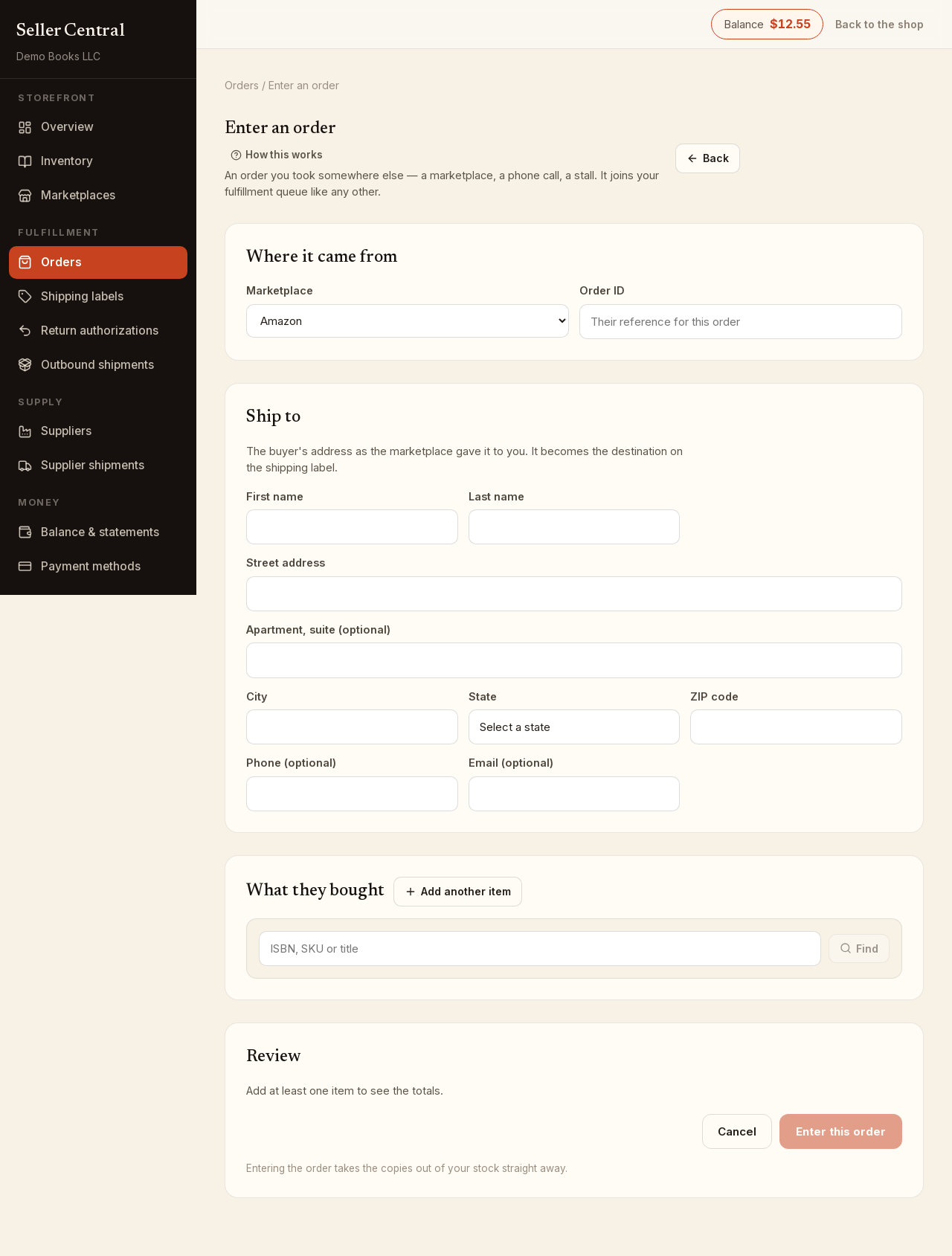
Mark a line dropshipped
When you enter an order, tick Dropshipped — I'll buy this copy from another seller on the line. No stock is checked or used for that line, and the Review section notes how many copies are dropshipped. One order can mix stocked and dropshipped lines.
If the book is not in your inventory yet, click Add it to your inventory and tick I don't have this copy — it will be dropshipped. The listing is created with no stock and stays off the storefront. Picking a listing that has no stock marks the line dropshipped for you.
On the order's own page you can still switch an unshipped copy between stock and dropship with the Dropshipped toggle in the copy editor, as long as nothing has shipped and no label has been bought.
Record where you bought it
After entering the order, the copy shows a Dropshipped badge and an Enter Purchase Record button in the Actions column.
- Click Enter Purchase Record.
- Fill in Bought on (the site), Their order number and the Total price paid for this item.
- Add the Tracking number and Carrier if you already have them. Saving a tracking number marks the copy shipped.
- Tick Email Buyer Shipping Info if you want the buyer told. It is off by default.
- Click Save source.
If you do not have tracking yet, save the record anyway and click Add tracking on it later. Clicking Mark shipped on a copy with no purchase record asks you to confirm first.
Purchase statuses
Each purchase record carries one of three statuses:
- Ordered: the purchase is placed. You can Add tracking or click Problem With Order.
- Problem: something went wrong. The page asks What went wrong and keeps the note on the record. From here, choose Resolved — back to ordered if the seller came through, or Refund received if your money came back.
- Refunded: closed. The record stays as history and cannot be edited.
A copy can have more than one record: if the first purchase fails, mark it a problem and click Add another purchase record for the second attempt. Delete removes a record you entered by mistake.
To see every order with an open problem, set the Status filter on the Orders page to Dropship Problems.
Returns on dropshipped orders
Create a return authorization from the order and choose To the Bookface warehouse. We receive the book, store it free, and add it to your stock to sell again.