
Connect your AbeBooks account
Link your AbeBooks seller account so your orders come in, tracking goes back, and your stock and prices stay current there.
Open Marketplaces in the Seller Central menu, or go to /seller/marketplaces. The Marketplace Connections page lists each marketplace you can connect, with its status.
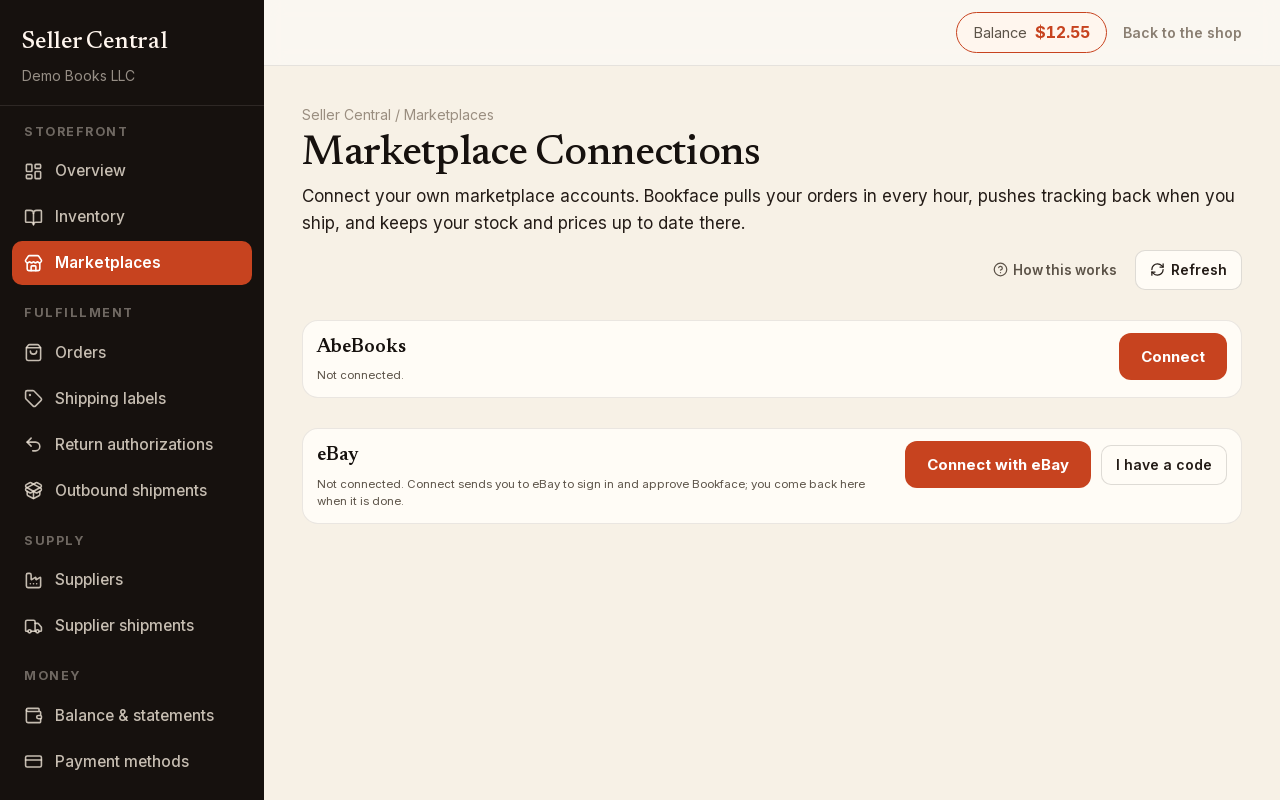
Connect
- On the AbeBooks row, click Connect.
- Enter your AbeBooks username and your AbeBooks API password.
- Click Verify & connect. The button reads Checking with the marketplace… while your details are tested against AbeBooks.
- When they are accepted, the page confirms Marketplace connected — credentials verified and stored encrypted. Wrong details are refused with a message, and nothing is saved.
The row now reads Connected as your AbeBooks username, with Orders last pulled and inventory last pushed times underneath. Click Refresh at the top to update them.
What the connection does
Once connected, every hour Bookface:
- Pulls your AbeBooks orders into Orders in Seller Central, where you handle them like any other order: buy a label, ship, enter tracking. If copies of the book are at the Bookface warehouse, those ship first.
- Pushes tracking back to AbeBooks when an item on one of those orders is marked shipped with a tracking number, so the buyer sees the shipment there.
- Keeps your stock and prices current on AbeBooks from your Bookface inventory. When a copy sells anywhere, the quantity on AbeBooks follows on the next push. An archived listing, or one with no stock, comes down.
Your AbeBooks listings are keyed by your SKU, and an additional ISBN on the same copy by your SKU plus that ISBN — see SKUs explained.
Pricing per ISBN
Each ISBN has its own AbeBooks price, set on the listing itself rather than on this page. Open the listing (the quick editor on the inventory list, or Marketplace Listings on the edit page), find the ISBN, and type the price in the AbeBooks box; it saves when you leave the box. Tick sell here (the Selling there column on the edit page) to offer that ISBN on AbeBooks. A price of 0 reads no price yet and that listing is not sent.
Connection problems
If the row reads Connection error — reconnect below or Disconnected by the marketplace — reconnect below, click Reconnect, enter your details again and click Verify & connect. A change to your AbeBooks API password is the usual cause.
Disconnect
Click Disconnect and confirm with Yes, disconnect. The hourly order and inventory sync stops and your stored credentials are deleted. Your listings on AbeBooks are left as they are at that moment.