
Getting paid
Where your twice-monthly payout goes, how to add a payout method such as a bank account or PayPal, and how Payment methods differs from Payouts.
Your statement closes on the 1st and the 15th, and what it shows as payable is sent to the payout method you have marked Pay me here. Without a method on file, statements still close but no payment is created, so set one up before your first period ends.
Payouts are in Settings
Payout methods live under Payouts on the Settings page, not on the Payment methods page.
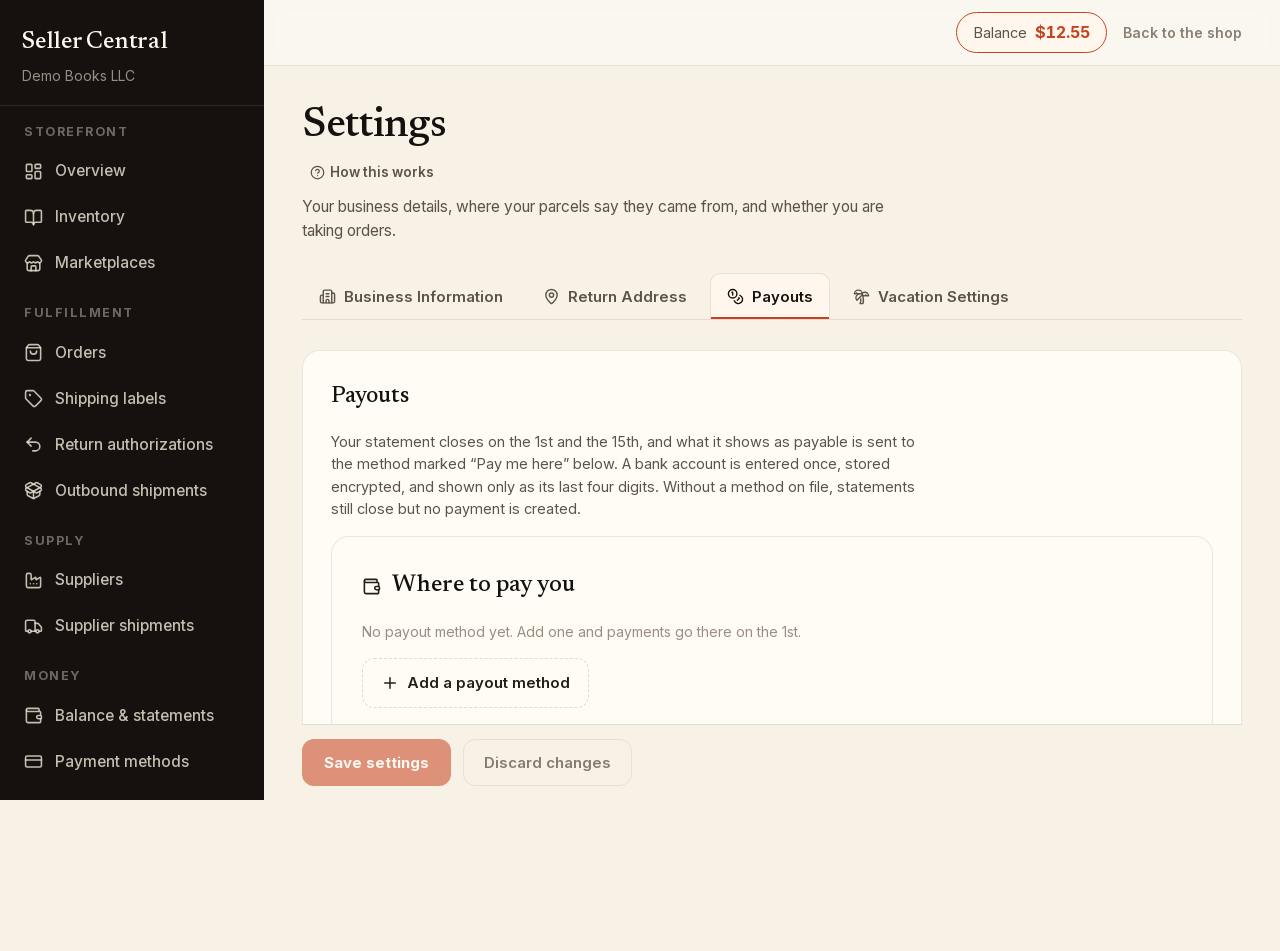
The Where to pay you panel lists every method you have added. The one marked Pay me here receives your payouts; any other shows Pay me here instead so you can switch.
Add a payout method
- Open Settings and click the Payouts tab.
- Click Add a payout method.
- Choose the Method: PayPal, Venmo, Cash App, Zelle, Apple Pay, Bank account or Wire.
- For PayPal, Venmo, Cash App, Zelle or Apple Pay, enter the account: the field says what to type, for example the email address on your PayPal account or your Venmo username.
- For Bank account or Wire, enter the Name on the account, Routing number and Account number. Bank details are stored encrypted and only the last four digits are ever shown again.
- Add a Label if you hold several methods, then click Save.
The first method you add becomes the one marked Pay me here. A payout destination belongs to one Bookface account; if a handle is already in use on another account, the page says so.
Bank account and wire payouts need a routing and account number. If you do not have a US bank account, use PayPal or one of the other electronic methods.
To stop using a method, click the trash icon on it and confirm. Add the same handle again later and it comes back onto your account.
When the money is sent
Each statement shows Paid out to you as a line, and the closed statement lists every payout against it with the date, method and amount under Paid out against this statement. Payable to you now on the Balance & statements page is the amount the current period would pay out if it closed today, after any amount held in reserve.
See Your balance and statements for what goes into that figure.
Payment methods is for paying in
The Payment methods page is the other direction: bank accounts and cards you use to add funds to your balance for postage. Connect a bank signs you in at your bank and usually verifies the account straight away; Add a card saves a card. A bank account there must be verified before it can be charged. Neither is used for payouts.