
SKUs explained
Your SKU, the listing number, the Bookface SKU on warehoused stock, and the key an extra ISBN carries on marketplaces.
Three different codes can appear on a listing. Here is what each one is.
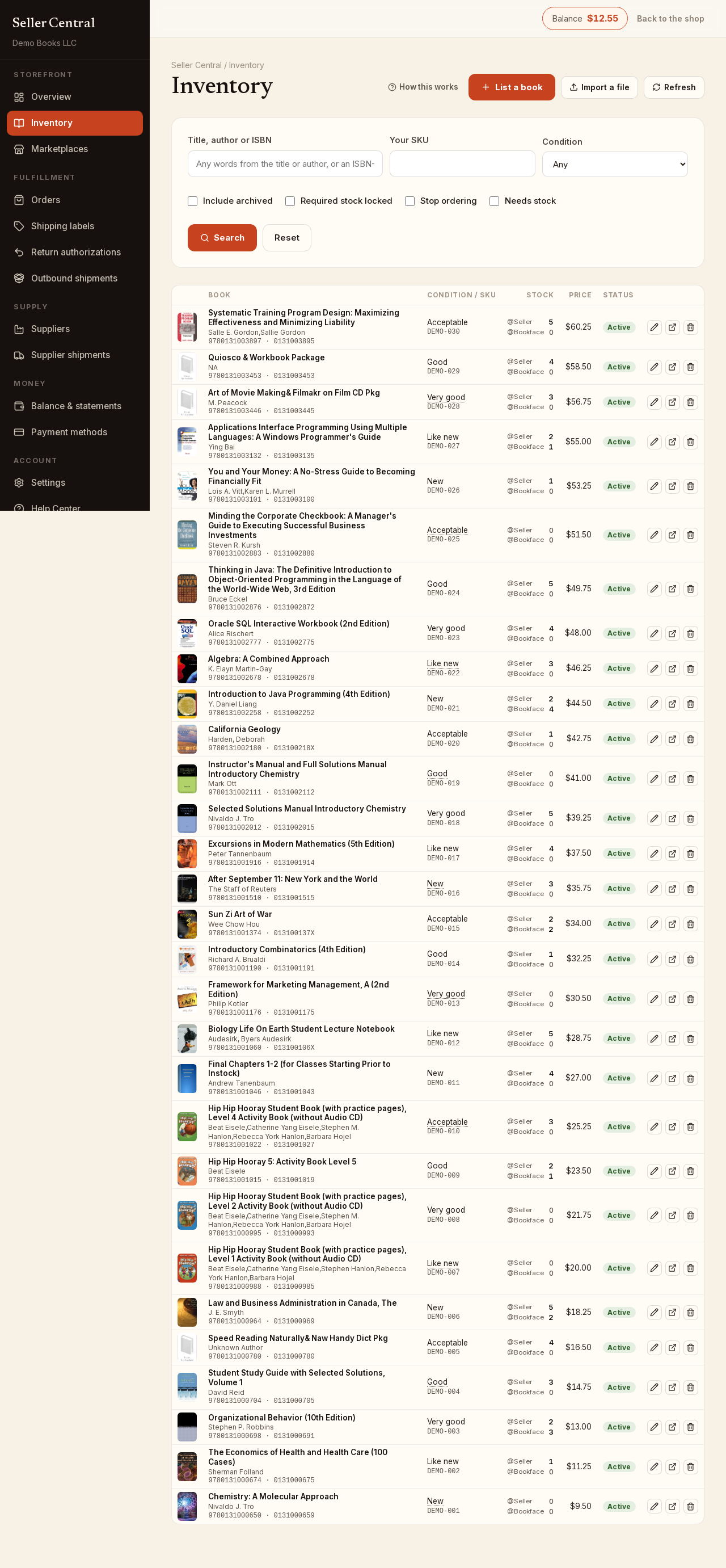
Your SKU
The SKU is your own label for a listing: a shelf code, a stock number, whatever you use. You enter it when you add a book and can change it under Item Details on the edit page or in the quick editor on the inventory list.
It is also the key the listing carries on every external marketplace you connect, which sets the rules:
- It is unique among your listings, archived ones included. Marketplaces keep their keys forever, so a SKU that was ever used on one of your listings cannot be given to a different book, even after the first listing is archived. The form refuses a duplicate.
- Blank means the listing number. Leave the box empty when listing and the listing's own number becomes its SKU. Clearing a SKU later does the same: the editor warns that Clearing the SKU sets it to the listing number and re-lists this item on external marketplaces under that number.
- Renaming re-lists. Changing the SKU on a listing ends the marketplace listings under the old key and lists them again under the new one; the editor says so before you save.
On the inventory list the SKU shows under the condition, or no SKU when there is none. The Your SKU box in the filters finds a listing by it — see find inventory.
The listing key for an added ISBN
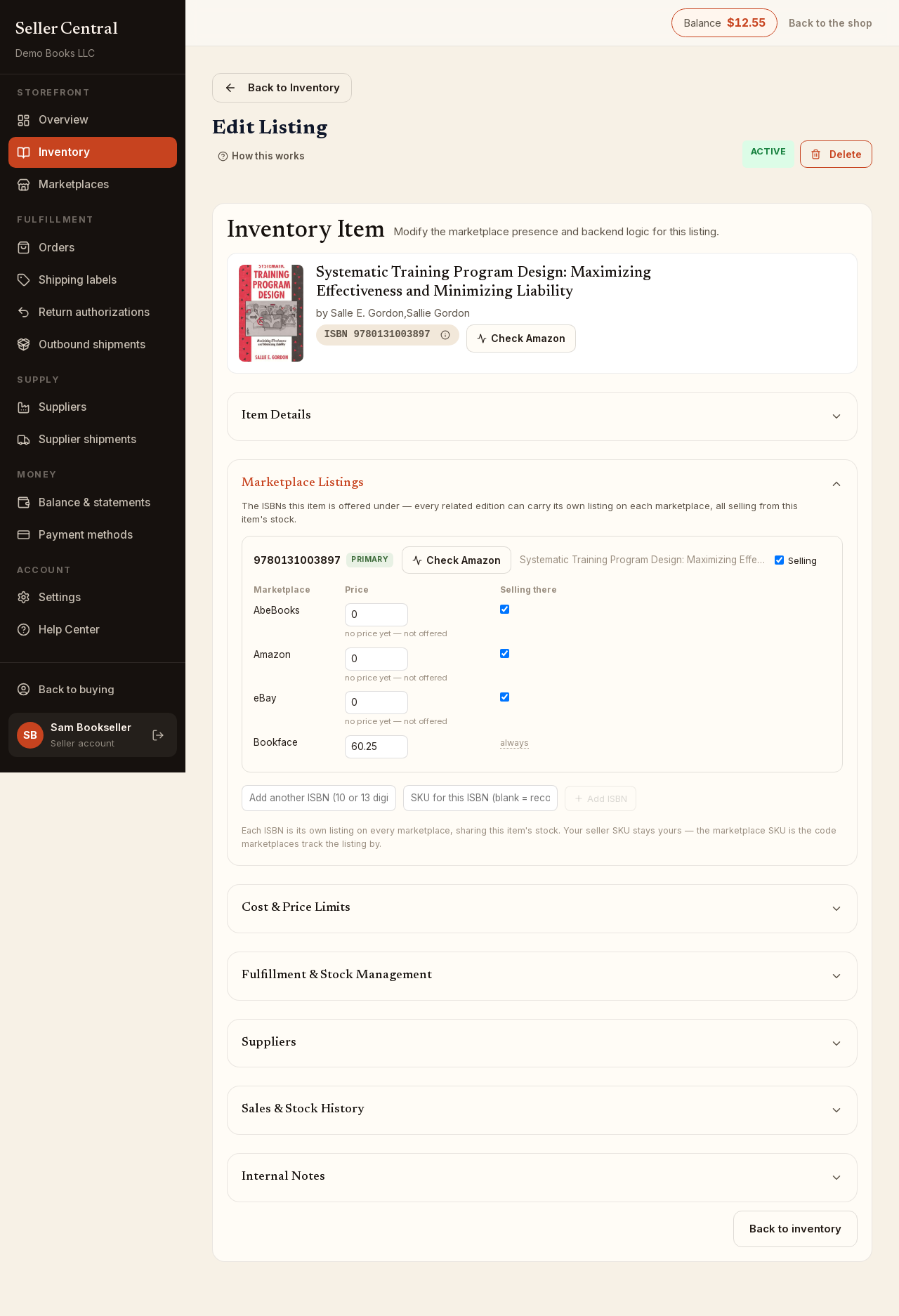
One copy can be offered under several ISBNs — the international, loose-leaf or later edition of the same title. The listing's own ISBN is listed under your SKU exactly. Each additional ISBN needs its own key on the marketplaces, and it is your SKU plus that ISBN, separated by a pipe: 999|9780134685991. The form shows it as the Recommended SKU when you add the ISBN, and the listings editor shows Listed on marketplaces as beside each added ISBN afterwards. It is never typed from scratch and never reused once a listing has gone live; removing an ISBN says so in its confirmation.
A listing created before this rule may still carry an older key on its main ISBN. The editor marks it as an older key and changing the SKU re-lists it under the new one.
The Bookface SKU
When you send copies to the Bookface warehouse, the listing is given a Bookface SKU: a number we use to shelve and pick your books. You do not choose it and cannot change it. It appears beside the line on your return authorizations and outbound shipments, and it is separate from your own SKU, which stays yours.