
The book page
What the book page shows, how to read conditions and prices, and the difference between buying a copy and renting one.
A book page is one ISBN: one edition of one title. It shows the facts about the book, a rental option when we rent that title, and every copy sellers have for sale.
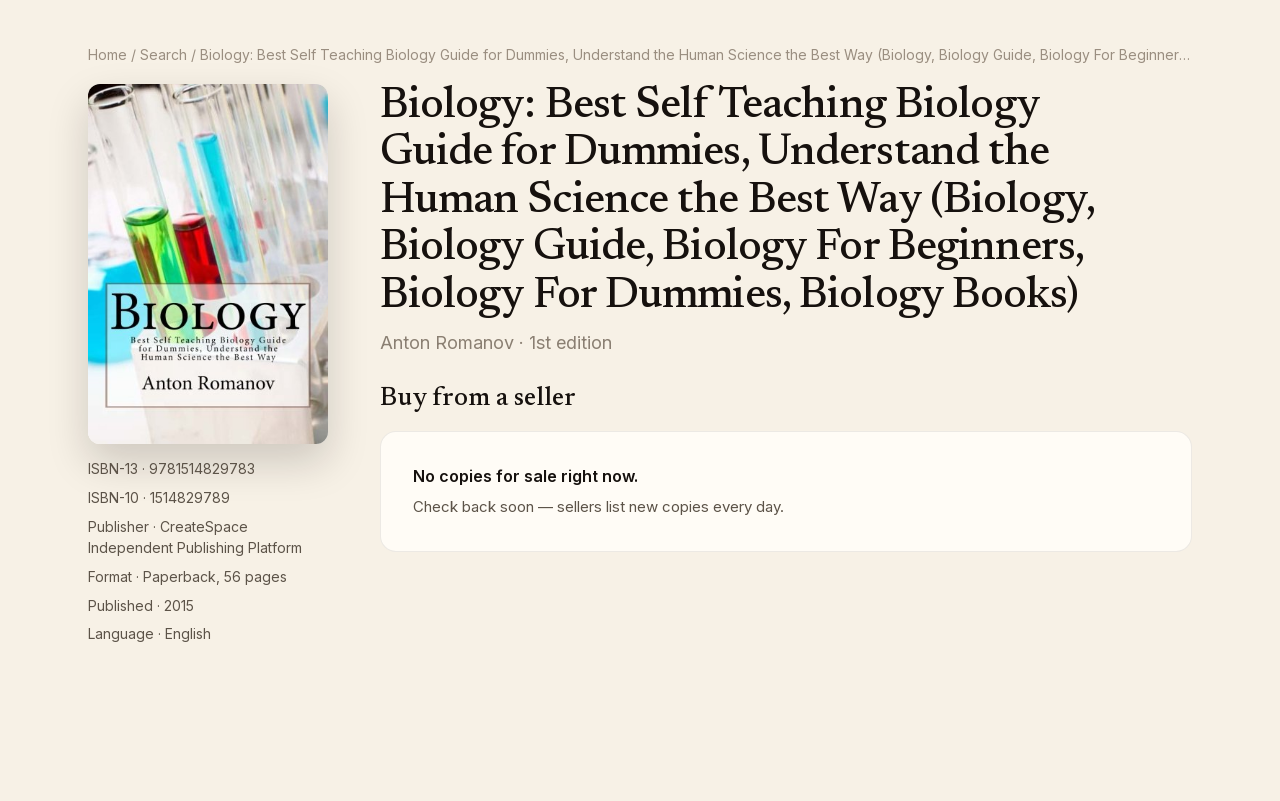
The facts column
Under the cover you see ISBN-13, ISBN-10, Publisher, Format (with the page count), Published and Language, when we have them. Check the ISBN against your course list before you order; two editions can share a title.
Rent this book
If the title is rentable, a panel headed Rent this book sits above the listings.
- Under Return by, pick the date you want to send the book back. The calendar only offers dates we can rent to.
- Total rental price updates for the date you picked.
- Click Rent now. The rental goes into your cart and you are taken there.
Two things to read before you rent: Free return shipping included (a prepaid return label comes with every rental), and the note that rental books are typically used and do not come with unused access code cards. If your course needs the access code, buy a new copy instead. See How rentals work.
Buy from a seller
Each row under Buy from a seller is one seller's copy or copies of this ISBN:
- The seller's name and where it ships from (Ships from CA, for example), plus Expedited available or Express available when the seller offers faster shipping, and N in stock when they have more than one copy.
- The condition badge: New, Used - Like new, Used - Very good, Used - Good, Used - Acceptable or Used - Rare / collectible. A seller's own note about the copy appears under the badge.
- The price for one copy.
Click Add to cart on the row you want. You go straight to your cart, where you can change the quantity and the shipping speed. See Cart and checkout.
If the page says No copies for sale right now, nobody is offering that ISBN today. Sellers list new copies every day, so check back; if the title is rentable you can still rent it from the panel above.
About this book
The publisher's description, when there is one, is at the bottom of the page.