
Payment methods
Save a card for checkout, rental extensions and buyouts, and choose your default.
We accept credit and debit cards. A saved card is used at checkout and, for rentals, for extensions and buyouts.
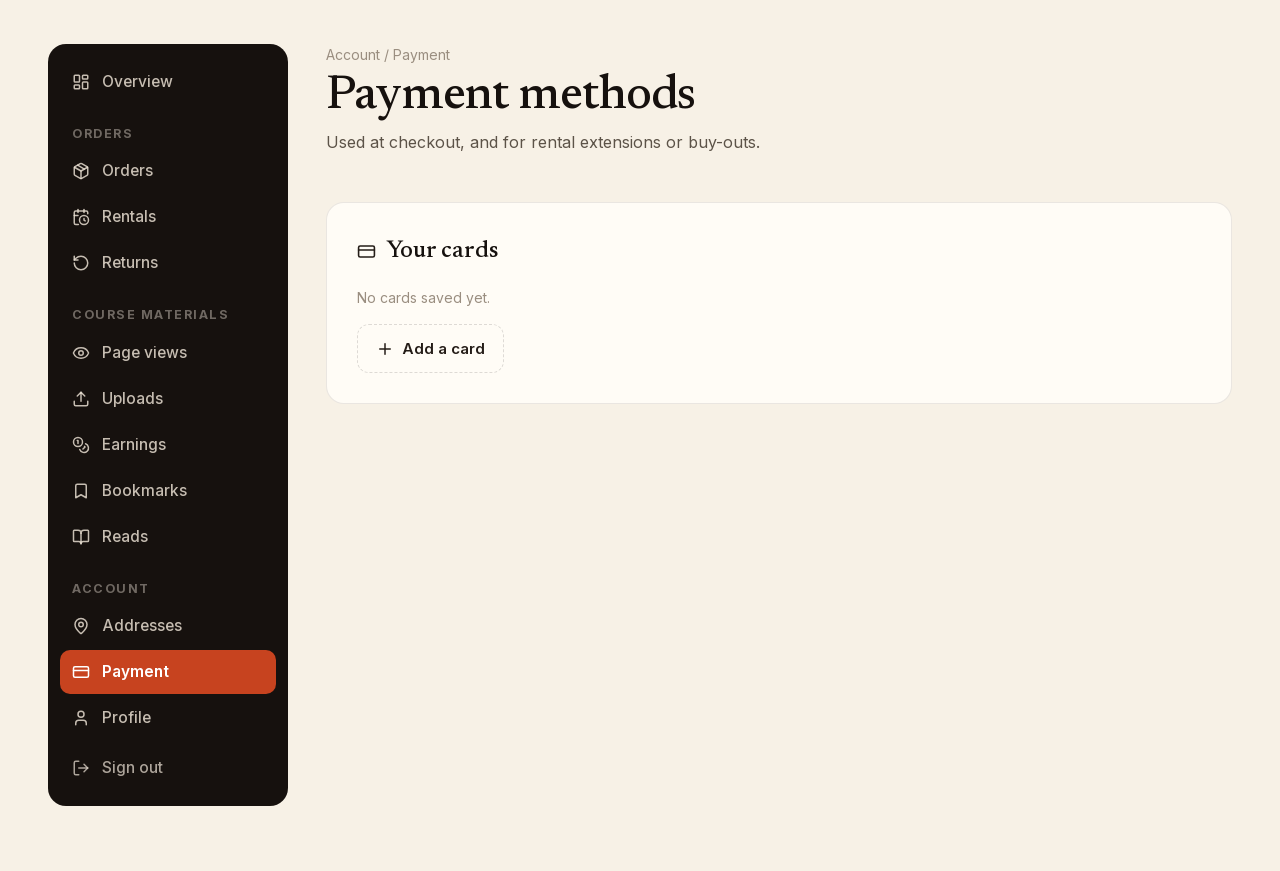
Where to find your cards
- Sign in and click My account.
- Under Account in the left-hand menu, click Payment.
The page is titled Payment methods and lists your cards under Your cards, each with its brand, last four digits and expiration date.
Add a card
- Click Add a card.
- Enter the card details in the form that opens. The card fields are provided by our payment processor; your card number goes directly to them and is never stored by Bookface.
- Click Save card.
If your cart holds a rental, the form also shows the note A valid card is required to remain on file for rental orders, with a link to the rental policies. That is what lets a rental be extended, bought out or charged a late fee later.
Default card
The card marked Default is the one preselected at checkout and on the rentals page. To change it, click Make default on another card.
Remove a card
Click the trash icon on the card, then Yes, remove. A card that is on file for an open rental should stay until the rental is closed, because it is the card the rental is charged to.
At checkout
The same cards appear under Payment at checkout, with an Add a card button, so you can add one while you order. Only cards can pay for an order.