
Page views, uploads and earnings
Where to see what your uploads earn, how your page-view balance moves, and where to be paid.
Everything about your course materials lives in your account. Sign in, open your account, and look under the Course materials heading in the sidebar: Page views, Uploads, Earnings, Bookmarks and Reads.
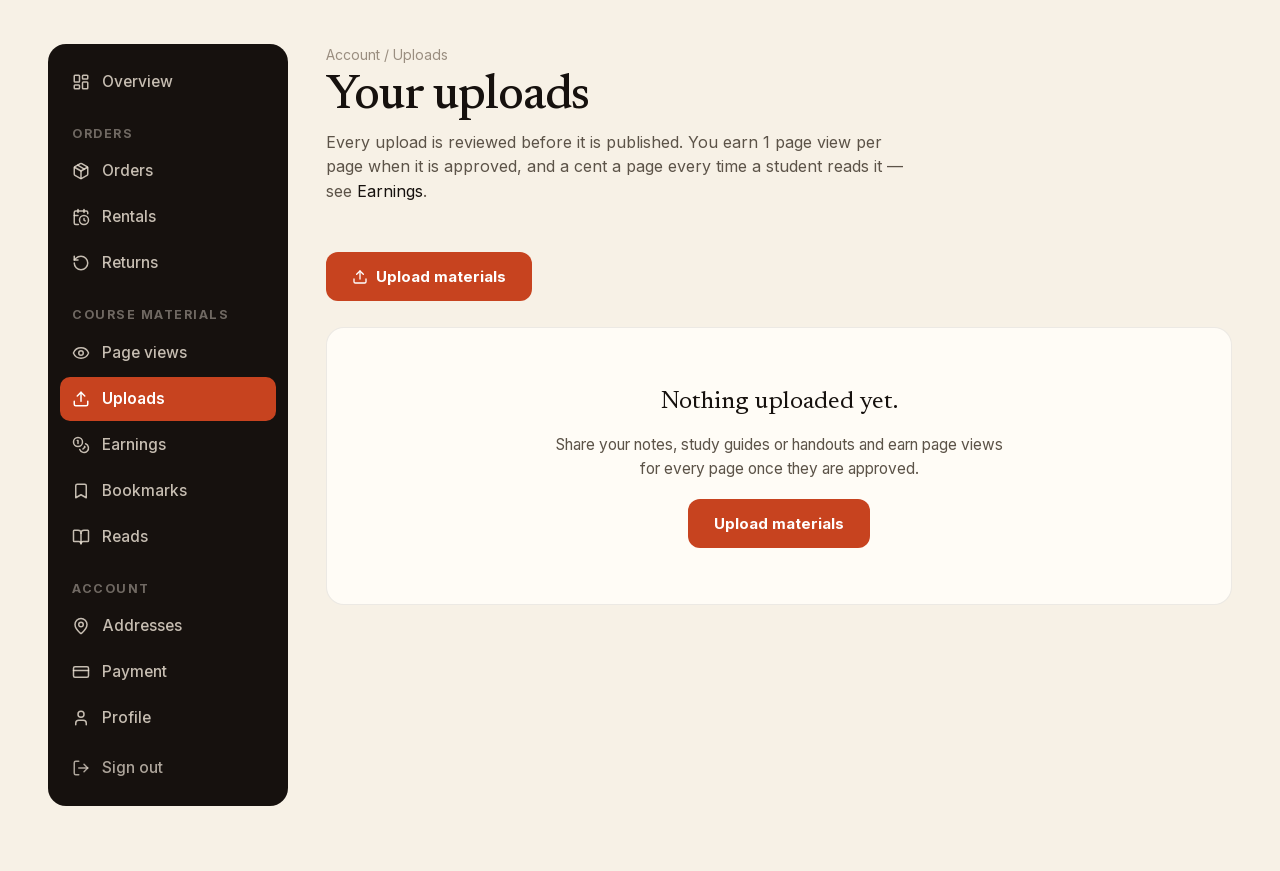
Uploads
Uploads lists everything you have shared. Each row shows the title, the course and school, the kind, the page count and the upload date, with a status badge: Processing, Awaiting review, Published or Could not process. A published row also shows its reads, its rating and what it has earned, and the title opens the material.
An upload that is not yet published can be removed: click Delete, then Yes, delete. Published uploads cannot be deleted from this page.
Page views
Page views is what you spend to read. The tile at the top shows your Page views available. How to earn page views explains the three ways: upload your materials, order a book, or buy them. The amounts shown on that page are current.
To buy, pick an amount under Buy page views, choose a saved card or click Add a card, and click Buy. The History panel lists every change to your balance, labeled Welcome, Book order, Upload approved, Purchased, Read, Order refunded or Bookface credit.
Earnings
Earnings shows what your uploads have made from being read. The rate per page and the payout terms are printed at the top of the page and under How you get paid. Four tiles sum it up: Ready for your next payout, Earned in the last (number of) days, On its way when a payment has been started, and Paid to date.
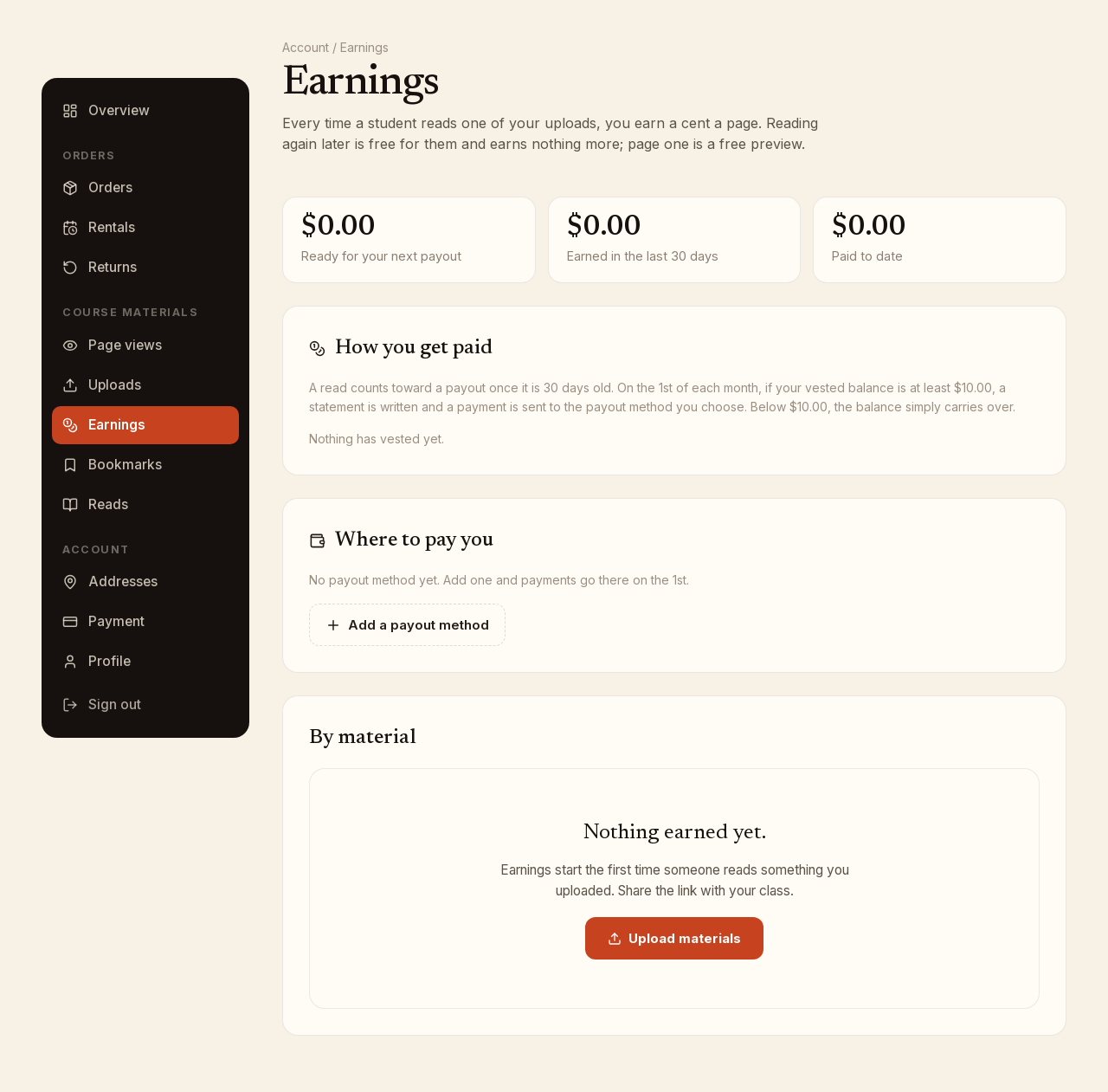
Where to pay you is where you tell us how to pay you:
- Click Add a payout method.
- Choose a Method from the list and enter the account it asks for, or, for a bank transfer, the Name on the account, Routing number and Account number.
- Add a Label (optional) and click Save.
The method marked Pay me here is the one we use. With several on file, click Pay me here instead on another to switch, or the trash icon to remove one. If your account was created from a guest upload, set a password first; the panel tells you so.
Statements lists each paid period with its reads, pages and amount, and a status of On its way, Paid, Could not be sent or Canceled. By material breaks earnings down per upload, with reads, pages read and the last read date.