
Check buyback status
Look up a buyback order with the link in your email or with the order number and email, and read the three stages.
Buyback orders are not tied to an account, so you look them up on their own page.
Open your order
The quickest way is the tracking link in your confirmation email, which opens the order directly. Otherwise:
- Go to Track your buyback order.
- Enter your Order number (the number after BB Order#) and the Email you used at checkout.
- Click Find my order.
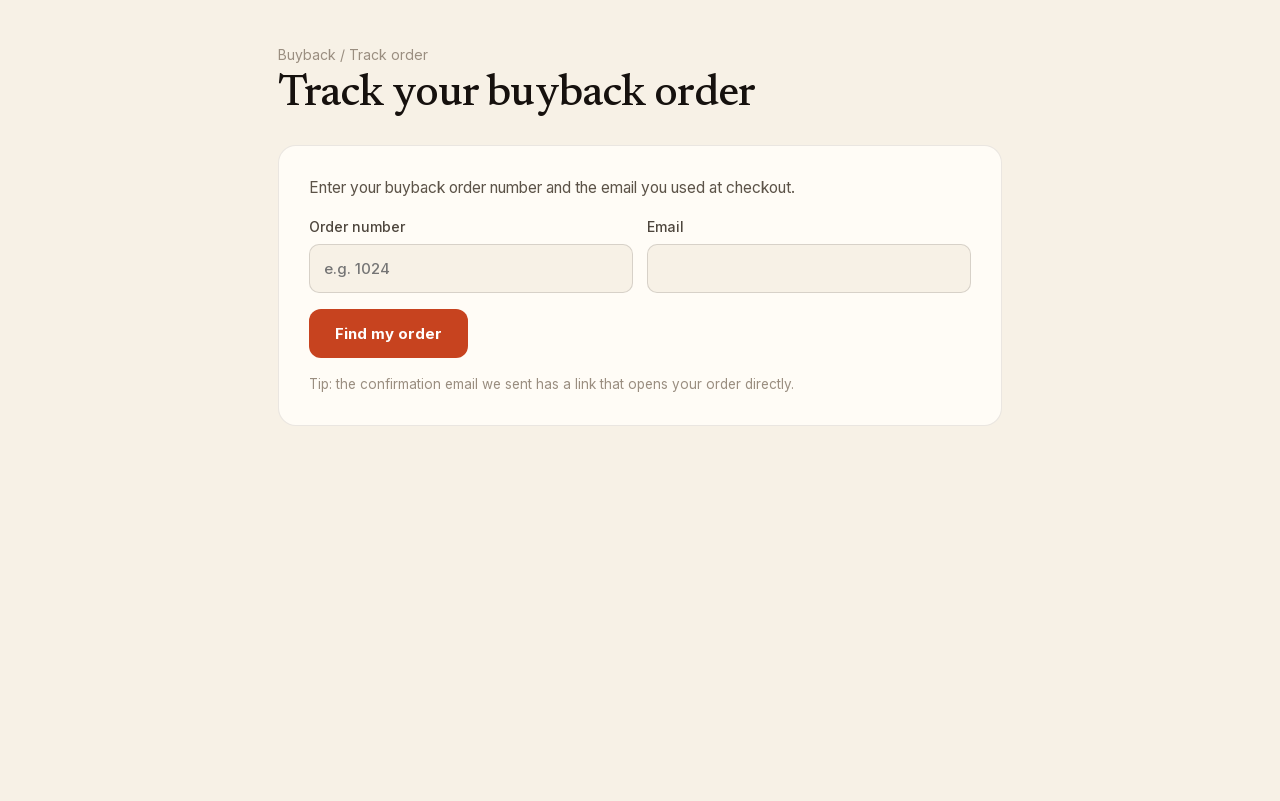
If the page says We couldn't find an order matching those details, check the number and the email address; both must match what you entered at checkout. Click Look up a different order at any time to start over.
The three stages
The order page shows where your order is:
- Pending inspection — waiting for your books to arrive and be checked in.
- Inspected — every book has been inspected and priced.
- Payment sent — your payout is on its way.
While the order is pending, the Ship your books panel shows the Mail by date, the Print your shipping label button and the tracking number, so you can print the label again if you need to. If you opened the order from the email link and no label exists, Generate shipping label creates one.
Your books
Each book on the order is listed with its quoted price and a status:
- Pending — not inspected yet.
- Accepted — paid at the quoted price.
- Downgraded — accepted at a lower price. The quoted price is crossed out and the new price shown next to it.
- Rejected — not accepted and not paid.
Under the list, Total quoted is what we quoted at checkout and Your payout is the final total once inspection is done.
Payment
The bottom line shows Payout method and, once paid, Payment sent with the date. See Getting paid.
Need help?
Email support@bookface.com with the BB Order# and the email you used at checkout.