
Return a rental
Print the free return label from your rentals page, pack the book, and mail it by the due date.
Every rental includes a prepaid return label, so sending the book back costs nothing and needs no address. The book must be in the mail by the due date shown on your rentals page.
Print the label
- Sign in, click My account, then Rentals.
- Find the book under Your rentals and click Get the prepaid return label. The button is available once the book shows With you.
- The label appears right there on the page with its tracking number. Click print it to open it for printing, or view label / hide label to show or hide it on the page.
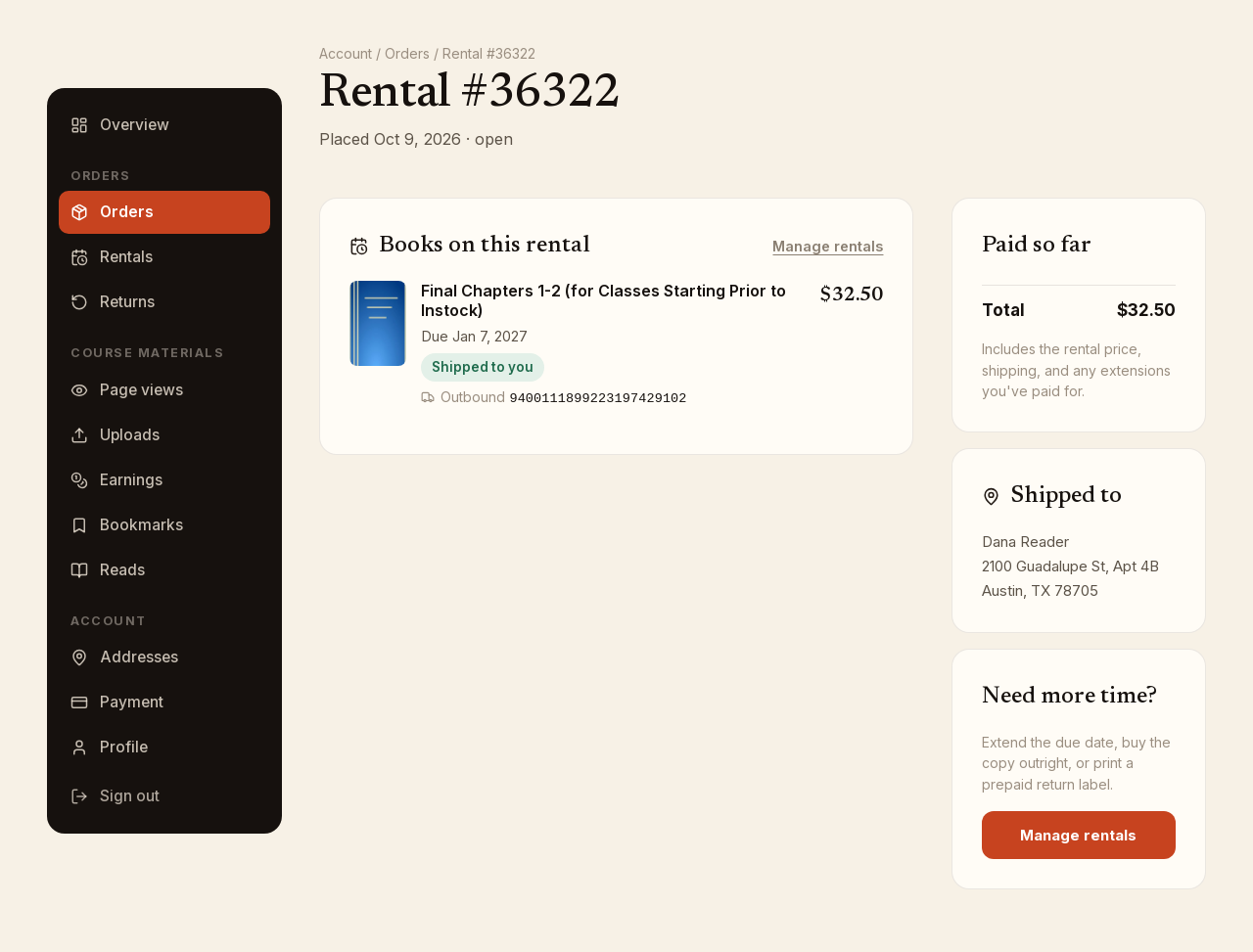
The label stays on the rental afterward, so you can come back and print it again. It also appears on the rental order under Orders, where open PDF opens the same label.
Pack and mail
- Use a sturdy box for heavier books and a padded envelope for lighter ones; the packaging the book arrived in is fine. Books that are packed poorly can be damaged or lost in the mail.
- Put every extra that came with the book (CDs, DVDs, cards) back in with it.
- Tape the label to the outside and drop the package at any US Post Office. The label is a USPS Media Mail label; do not put it on Priority Mail packaging.
- Keep the tracking number until the book shows Returned on your rentals page.
Only use the label we provide. Books sent anywhere else cannot be matched to your rental.
Returning more than one book
Each book has its own Get the prepaid return label button. Print a label for each book you are sending back.
Returning early
You can get the label and send the book back at any point before the due date; there is no charge for returning early.
After it arrives
The book moves to Finished rentals with the note Returned, and the rental order shows Returned — thank you next to it. If you no longer want to send the book back, you can buy it instead: see Late fees and buyout.
Lost the label?
Print it again from your rentals page. If anything about the return goes wrong, email support@bookface.com with the rental order number.